Live monitoring
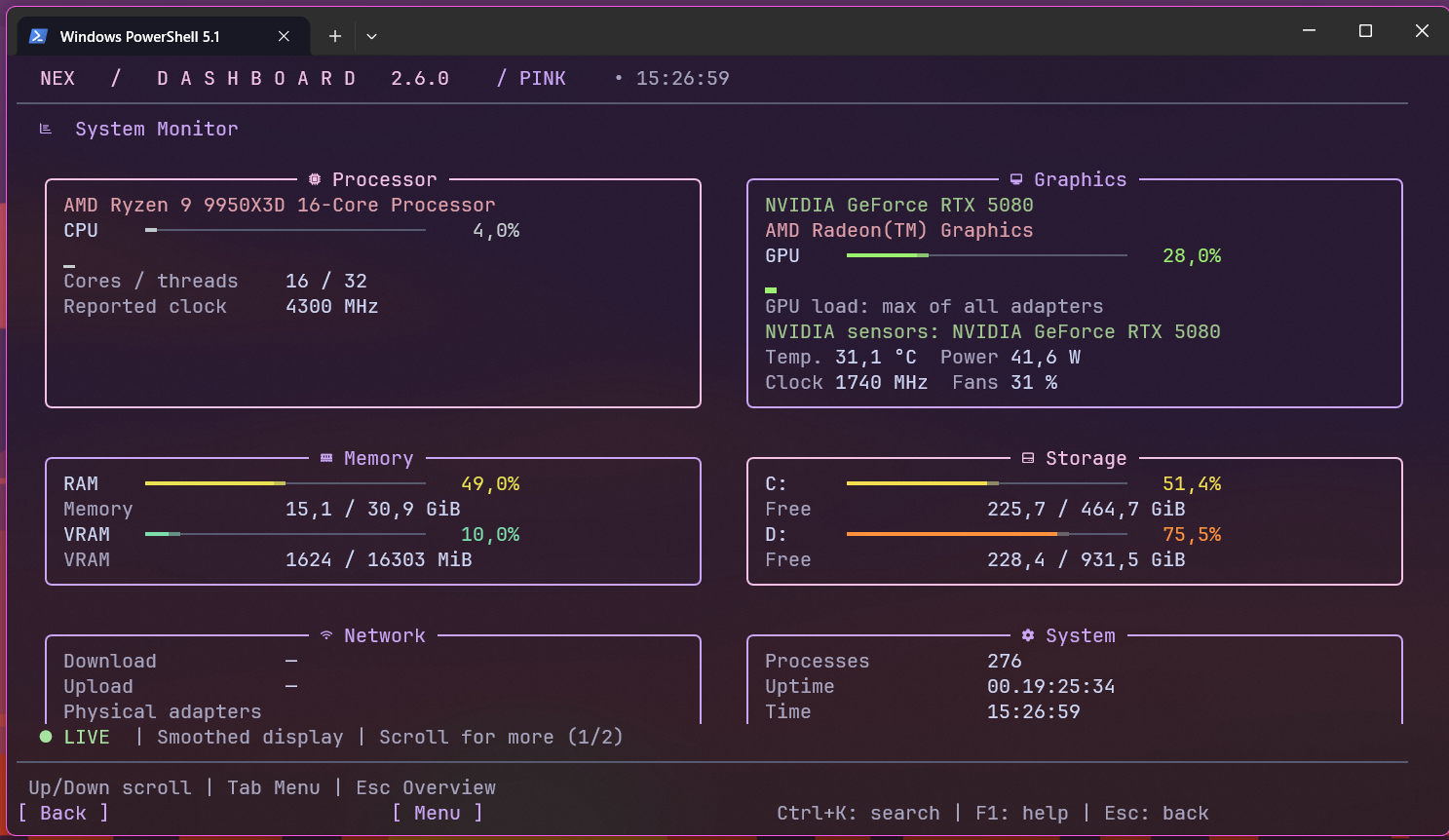
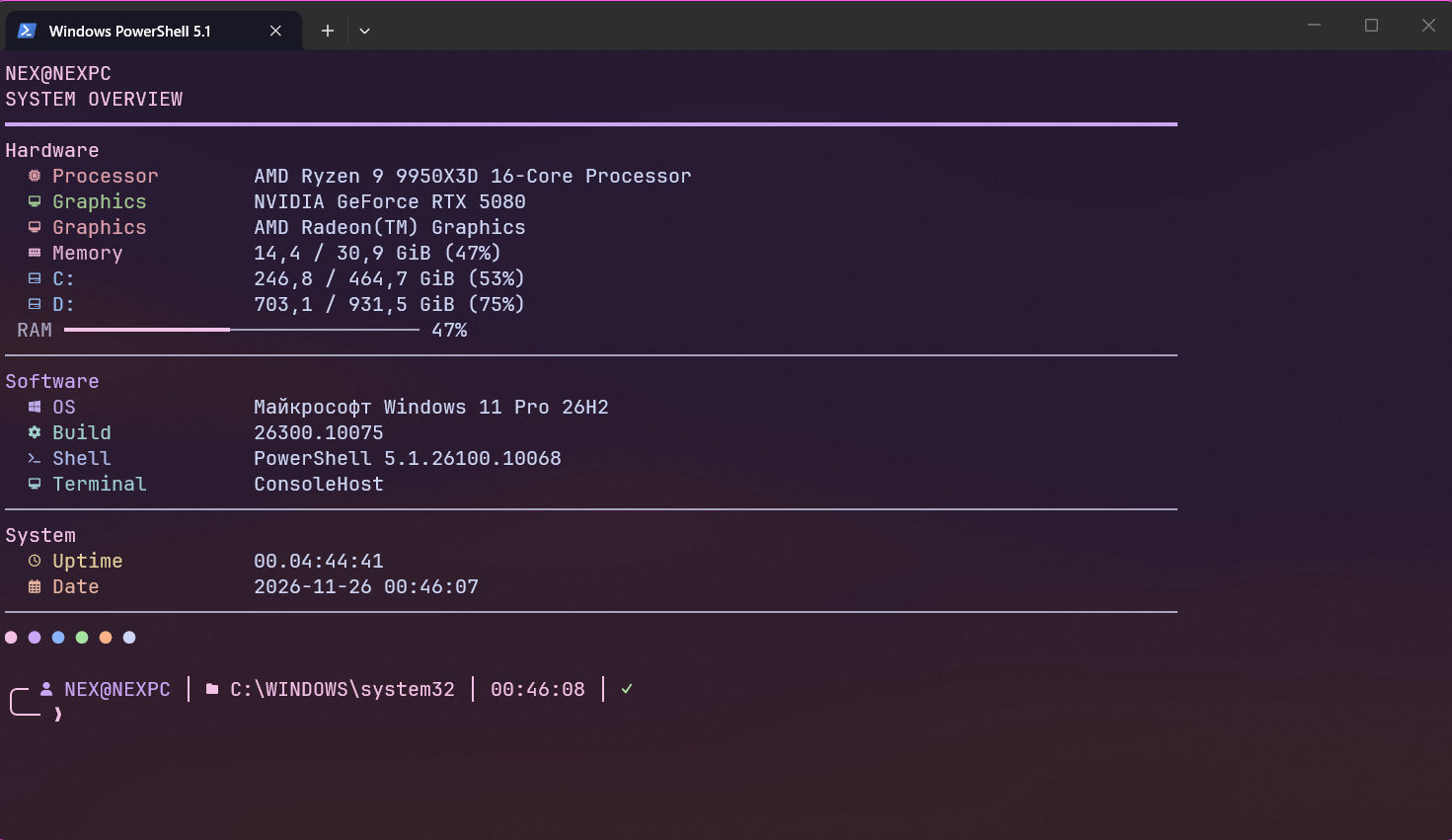
CPU, GPU, memory, storage and network metrics with color-coded indicators.
NEX Dashboard brings live system monitoring, practical Windows tools and personal style together in one interactive PowerShell interface.
Public release · Windows 11 · Free and open source
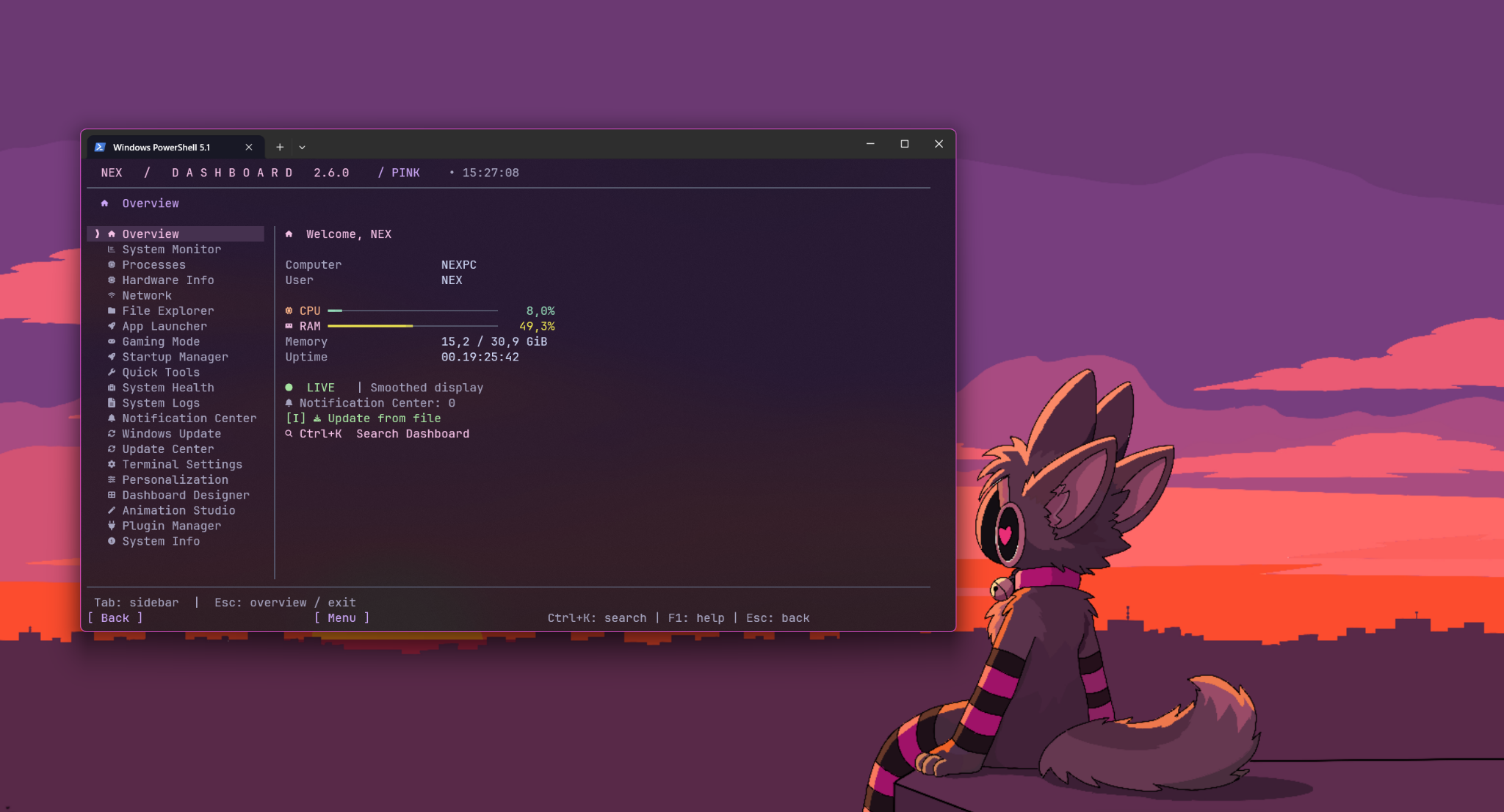
Everything you need, without leaving the dashboard.
CPU, GPU, memory, storage and network metrics with color-coded indicators.
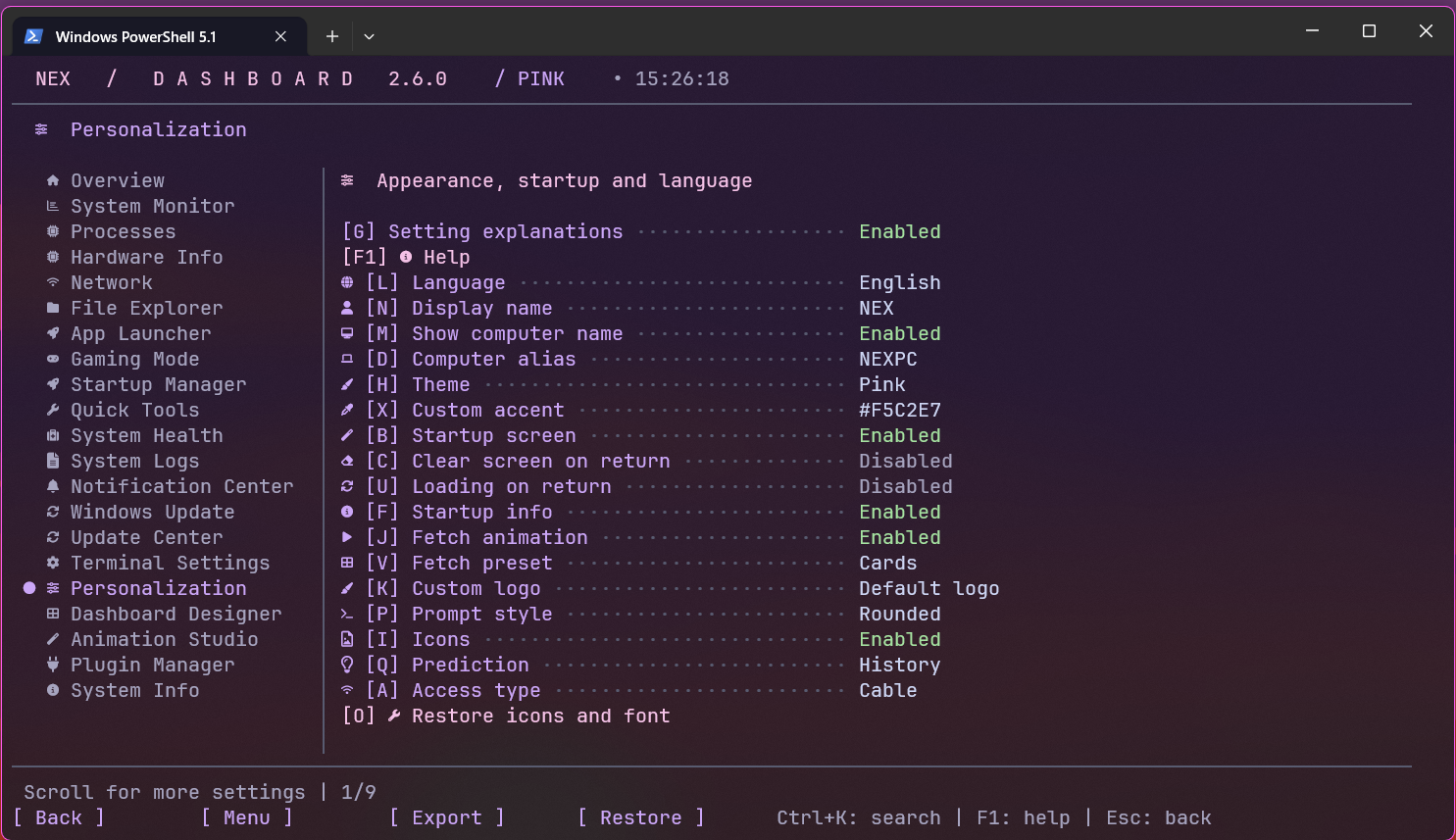
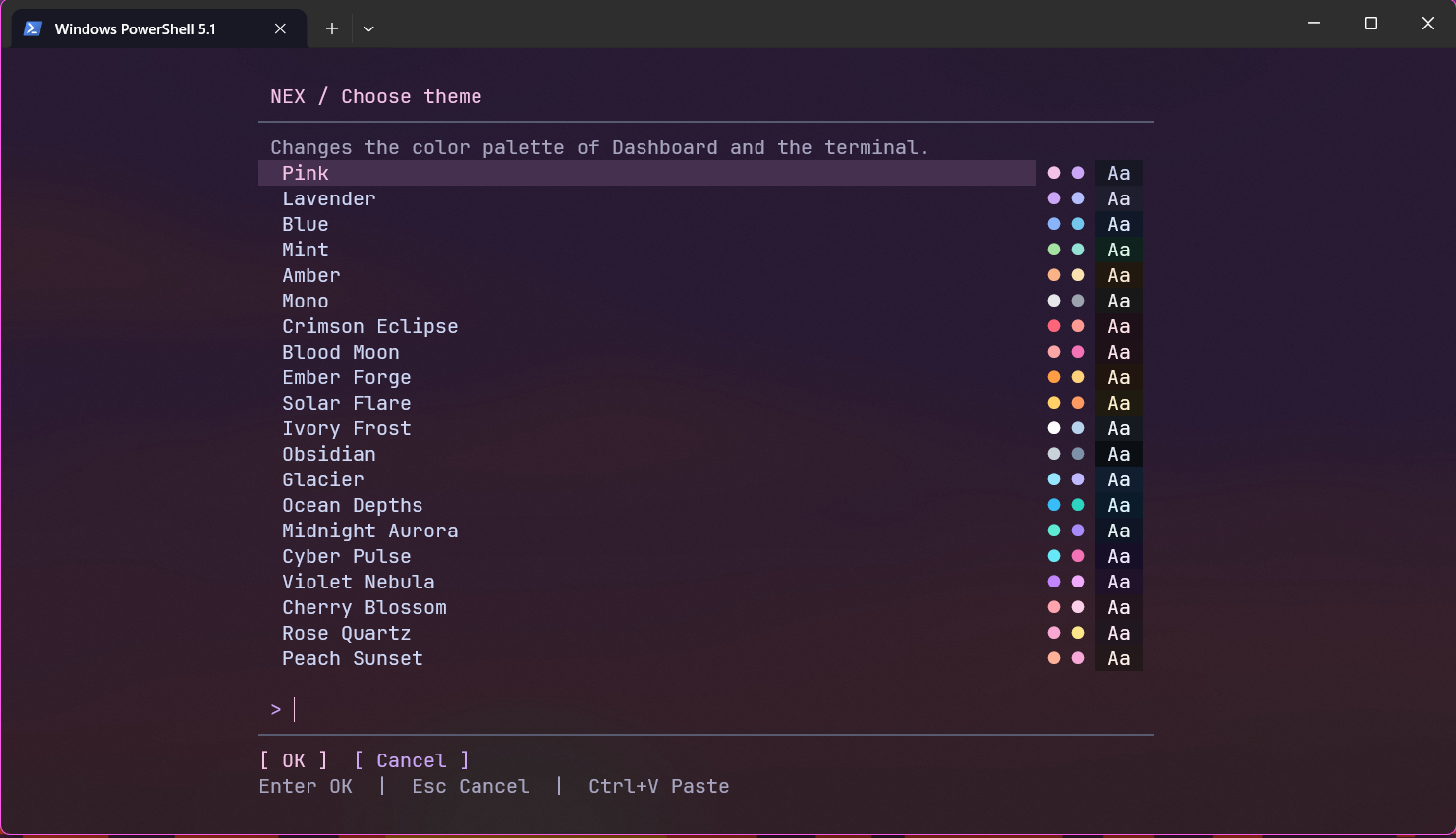
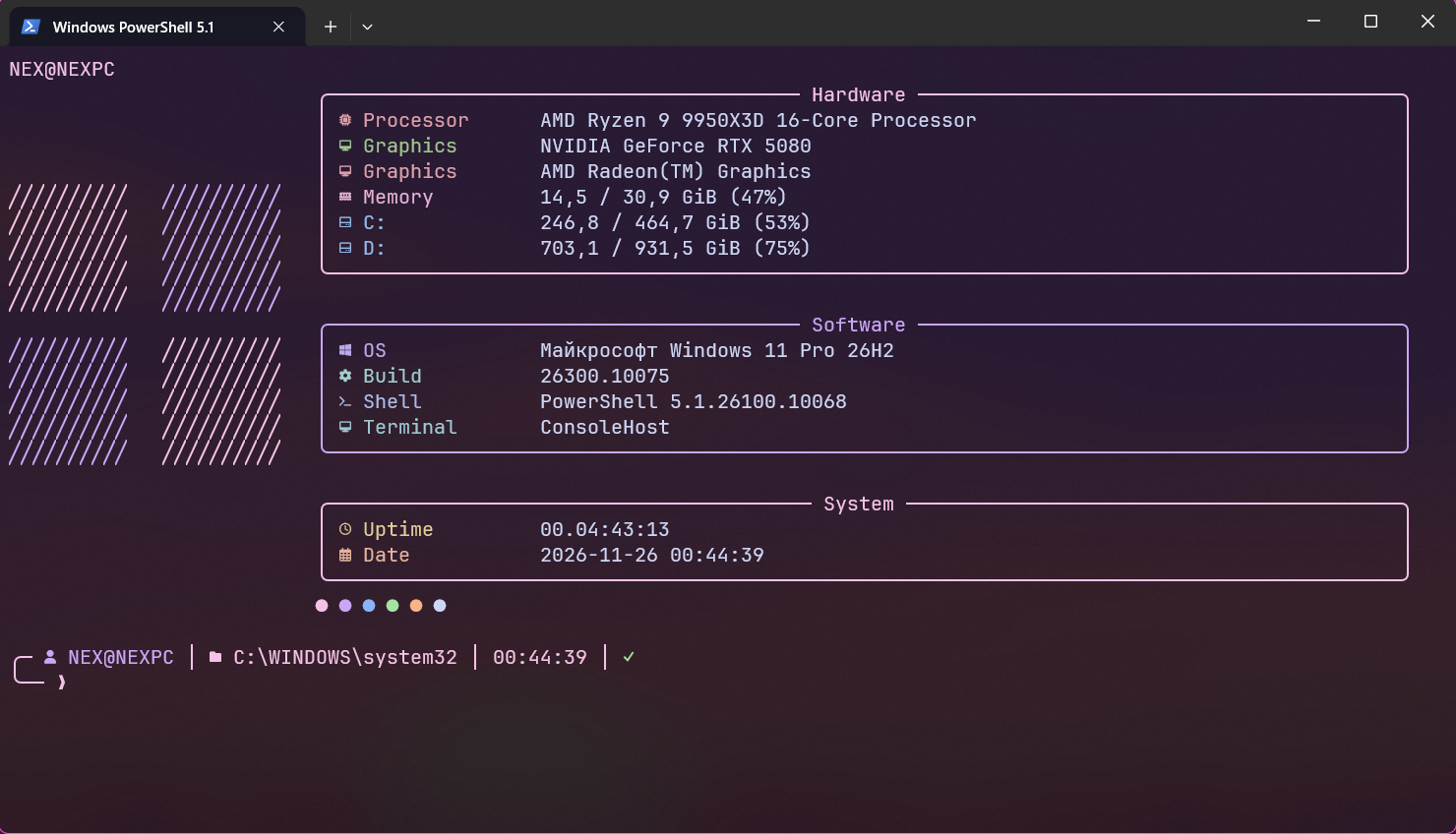
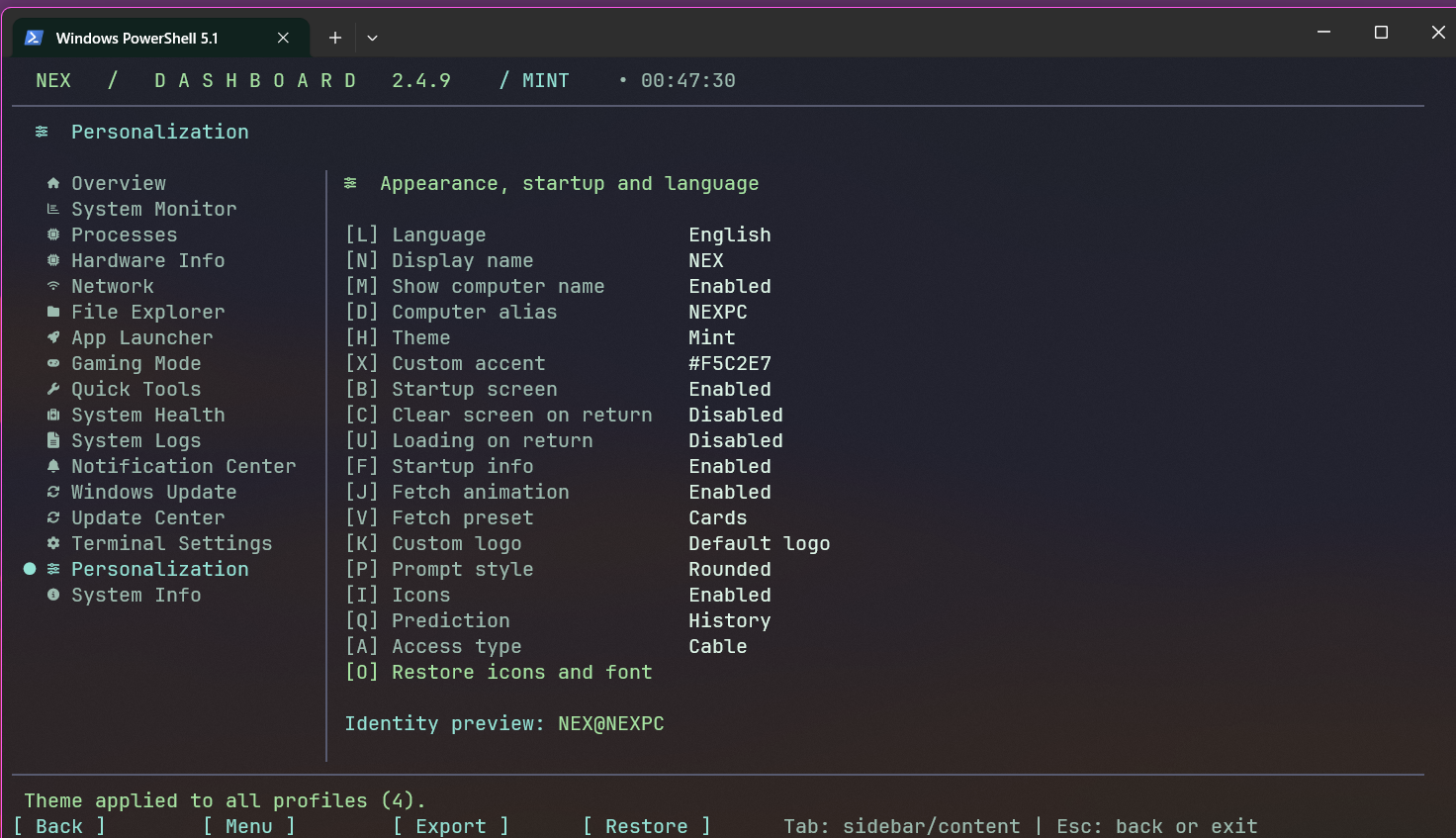
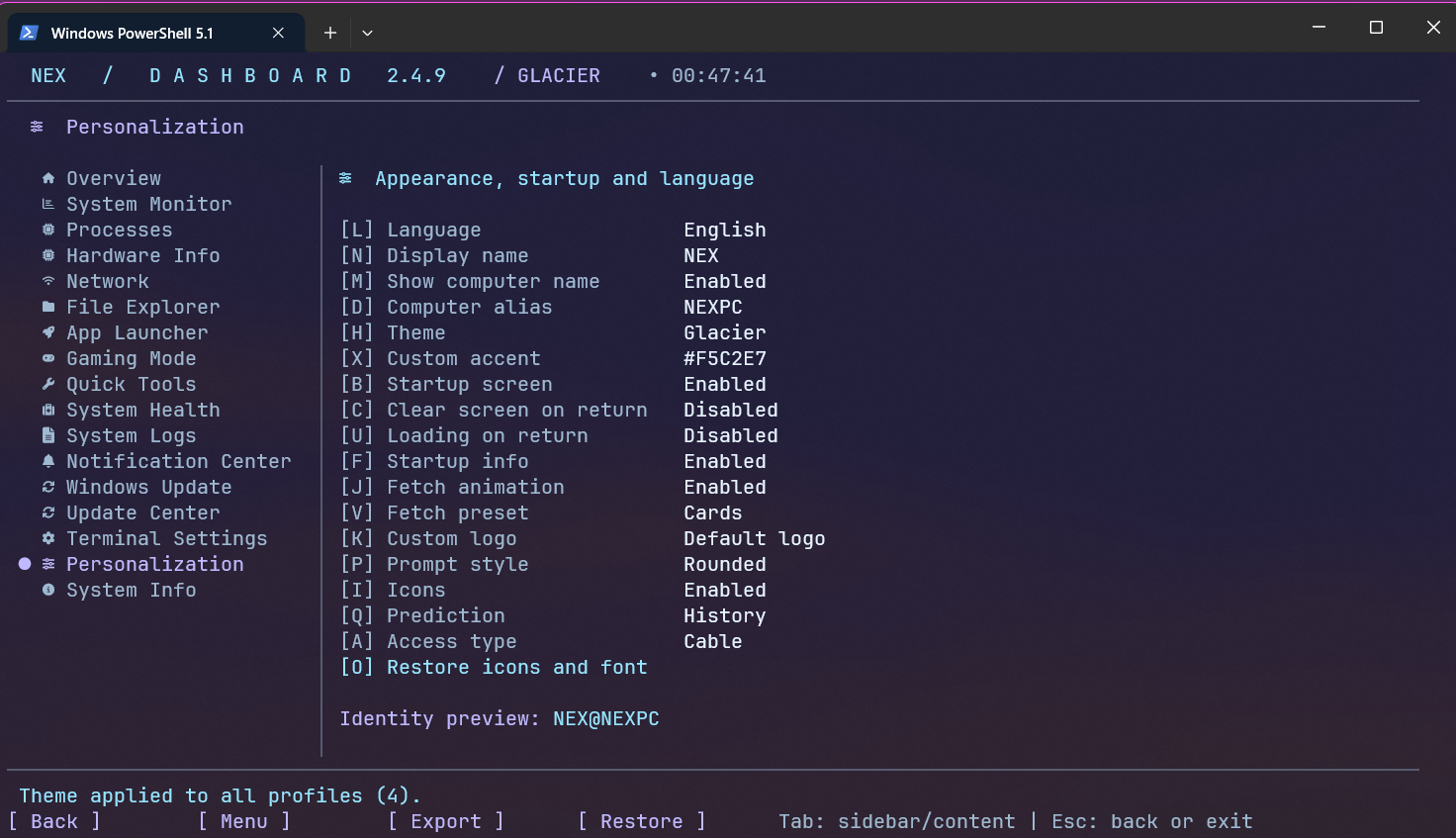
32 color options, custom accents, prompt styles, ASCII logos and Fastfetch layouts.
Arrange monitoring cards, hide the ones you don't need and choose your layout.
File explorer, app launcher, startup manager, system health and Windows Update.
Find sections with Ctrl+K, use mouse controls and open context help with F1.
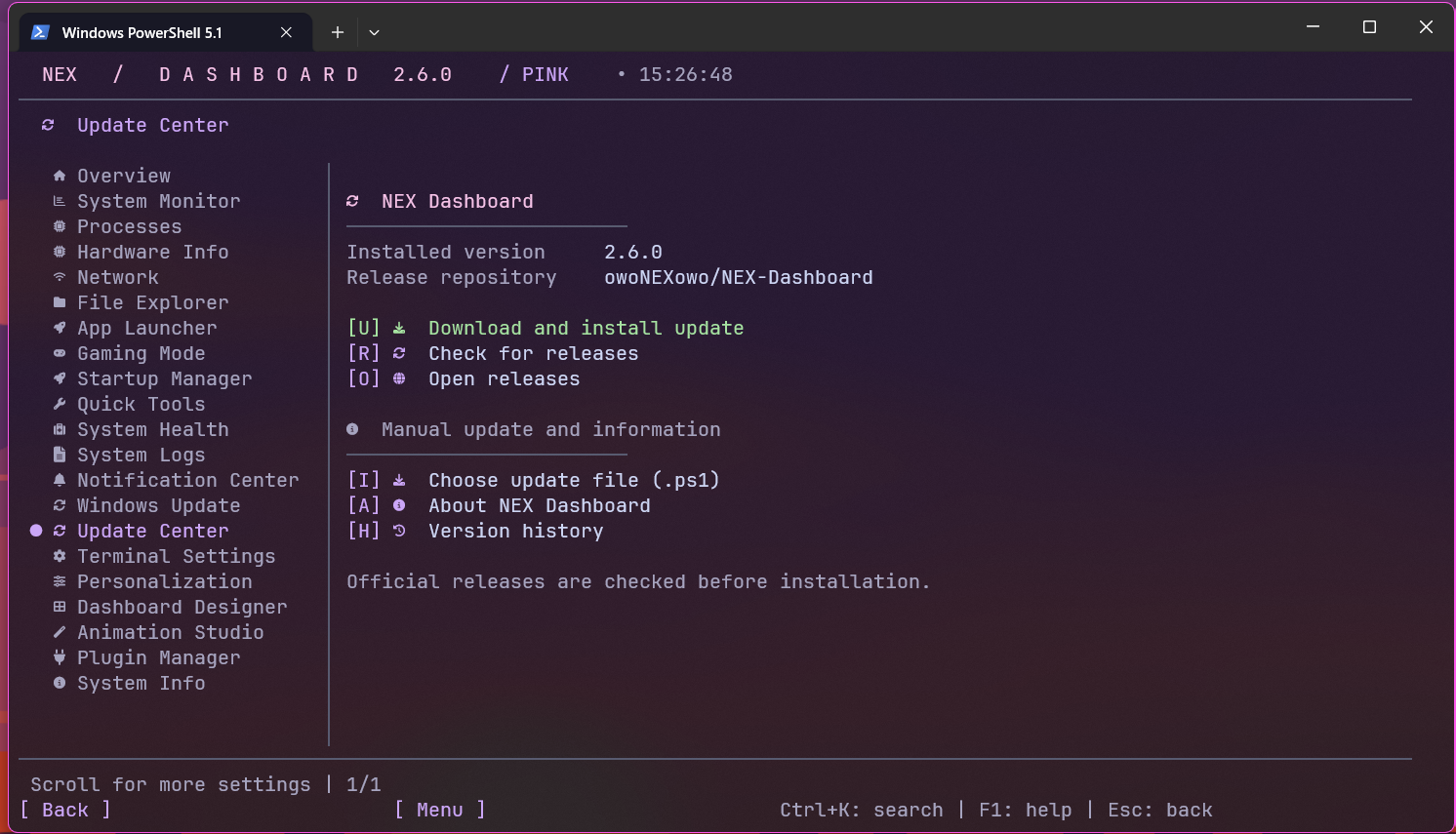
Install compatible GitHub releases, enable built-in widgets and back up your settings.
Actual screenshots from earlier versions. Open any image to see it full size.
Choose the EasyInstall ZIP from an official release.
Unpack the archive into a folder.
Run Install.cmd and follow the setup wizard. Review the installation prompts.
Already using NEX? Open Update Center to check for compatible releases.
Compatibility may vary by PC and terminal. Run installers only from trusted sources.